
Marathon training has a way of exposing the truth. A watch that feels “pretty good” on a 4 mile easy day gets exposed on a 2 hour long run. A battery that seems fine for daily steps becomes a liability when you stack back-to-back workouts, travel for a race, or forget to charge one night. And the metrics you actually use, like pace stability, heart rate trends, and recovery , start mattering more than the flashy stuff.
So, Garmin vs. Apple Watch. If you are choosing one GPS smartwatch to carry you through a full marathon block, I’m going to break this down the way a runner needs it: battery, GPS, training metrics, durability, ecosystem, and race-day practicality.
Who this matchup is really between
Both brands make multiple models, and the “right” answer changes depending on which tier you are looking at.
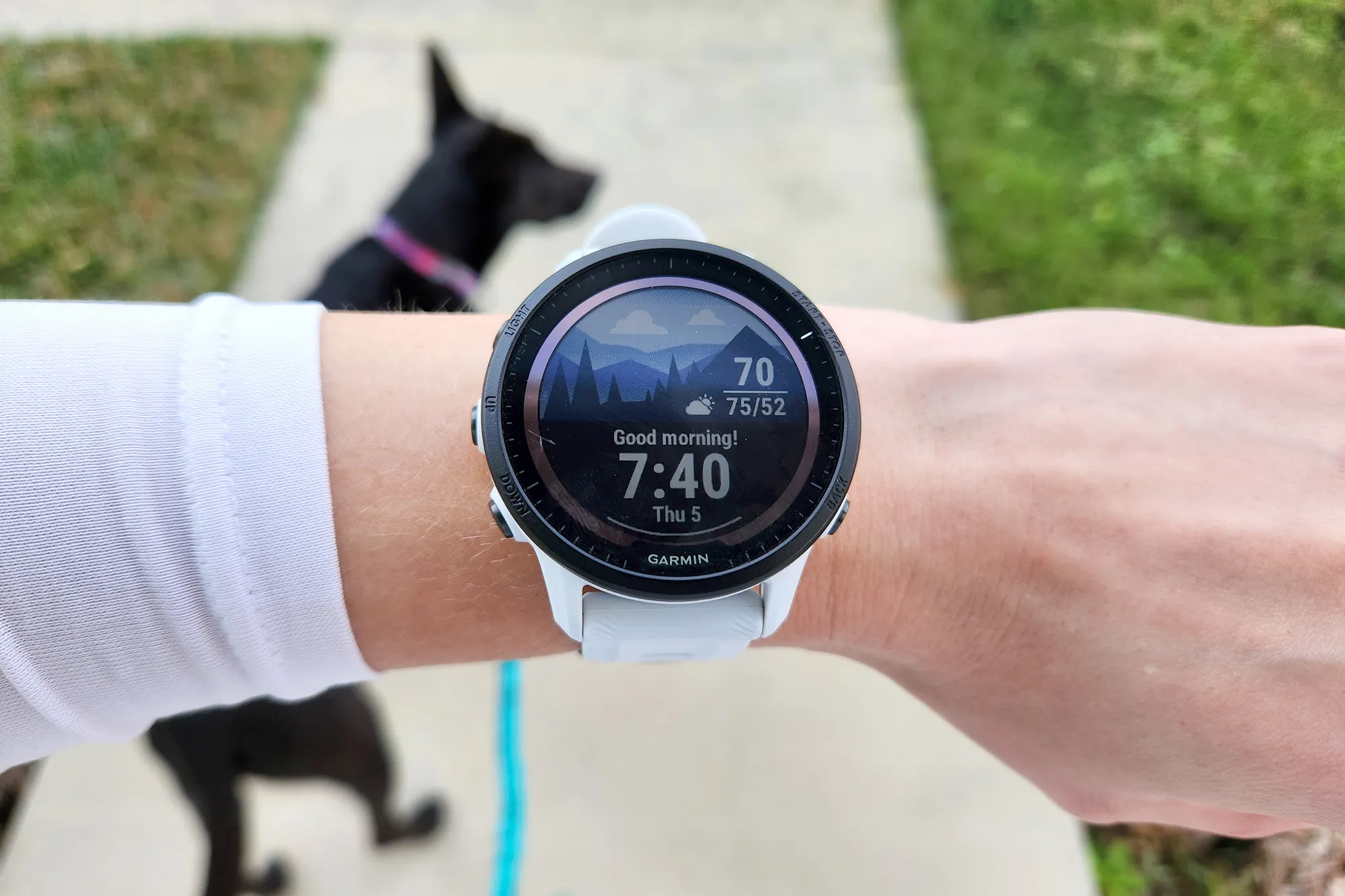
Garmin (typical marathon picks)
- Forerunner series: purpose-built for running, usually the sweet spot for marathoners.
- Fenix/Epix: heavier, tougher, more adventure oriented, huge battery, premium price.
- Venu: more lifestyle-focused, fewer deep run tools than Forerunner.
Apple Watch (typical marathon picks)
- Apple Watch SE: budget friendly, strong basics, fewer sensors and features.
- Apple Watch Series: best “everyday” Apple Watch, improved sensors and display depending on generation.
- Apple Watch Ultra: the battery and durability play for long-distance athletes.
In marathon terms, most comparisons boil down to Garmin Forerunner/Fenix vs. Apple Watch Ultra or Series. And the closer you get to race day, the more this becomes a battery and training-metrics conversation.
Battery life: the marathoner’s non-negotiable
If you have ever finished a long run and realized your watch died at mile 16, you already know how this section ends.
Garmin battery reality
Garmin’s running-focused watches are built around the idea that you will use GPS a lot. Many models deliver multi-day battery with regular training, and long GPS runtimes that cover long runs, long races, and weekend travel without living on a charger.
Apple Watch battery reality
Apple Watch can absolutely handle marathon training, but most models are still in the daily charging ecosystem, especially with GPS workouts, always-on display, LTE features, and frequent notifications. The Apple Watch Ultra is the exception and is much more marathon-friendly than standard Series models when it comes to endurance.
My practical take
- If you want to train hard and not think about charging, Garmin is usually the calmer choice.
- If you love Apple’s smartwatch experience, the Ultra is the one that feels like it belongs in a marathon block without constant battery anxiety.
GPS and pace stability: what matters on long runs
For marathoners, GPS is not just about drawing a pretty map. It is about pace stability when you are trying to lock into marathon pace, and distance accuracy when you are calibrating fueling, effort, and confidence .
Garmin strengths
- Runner-first GPS features: many models include multi-band GPS or strong satellite performance that holds up in tougher environments.
- Data fields made for pacing: lap pace, average pace, last lap, grade-adjusted pace on some models, and configurable screens that are easy to read while moving.
Apple Watch strengths
- Very strong GPS for most runners in typical suburban and city routes.
- Great display and responsiveness, especially if you like touch interaction and clean visuals.
The nuance: if you train in places that punish GPS, like tall downtown corridors, heavy tree cover, or winding trails, Garmin’s higher-end running and outdoor models often feel more consistent for pace locking.

Training metrics: where Garmin separates
This is the part that makes a lot of marathoners quietly become Garmin people. Not because Apple cannot track a run, it can. But because Garmin tends to turn your training into a coherent story across weeks.
Garmin: deeper training load tools
Depending on the model, Garmin can offer:
- Training load and load focus (how much work you are doing and what kind).
- Training status and readiness style indicators (helpful when you are juggling life stress and mileage).
- VO2 max estimates and trends.
- Recovery time guidance after workouts.
- Race prediction and pacing tools (take with a grain of salt, but useful for tracking trendlines).
- Running dynamics on supported models and accessories, like cadence, stride length, ground contact time.
For a marathon block, these features are less about being perfect and more about being consistent. You start learning your own patterns: what a good week looks like, what overreaching feels like, and what a taper should do to your fatigue.
Apple Watch: stronger native metrics than you think
Apple’s native experience covers the essentials very well: heart rate, pace, splits, zones, route, and trends in the Fitness and Health apps. And importantly, since watchOS 9, Apple Watch can natively surface several runner-specific metrics that used to feel “Garmin-only,” including stride length, ground contact time, vertical oscillation, and running power (availability can vary by model and setup).
Where Garmin still tends to pull ahead is the big-picture coaching layer. Apple gives you excellent workout and run data. Garmin is more likely to hand you a weekly narrative about load, readiness, and whether your current training balance is pushing you forward or grinding you down.
Heart rate, sensors, and what to trust
Wrist-based heart rate is useful, but it is not magic. On long runs, it is typically fine for trend tracking. During intervals, cold weather, or when your arm swing gets choppy late in a run, accuracy can drift.
Best practice for both
- Use wrist heart rate for easy runs, long runs, and general fatigue monitoring.
- For key sessions, consider pairing a chest strap if you want cleaner interval data and more reliable threshold work.
Both Garmin and Apple support external sensors. If you are the type of runner who loves data, that compatibility matters more than whose wrist sensor is “better” in a lab test.
Workouts and coaching: structure wins
A marathon plan is basically a long conversation between ambition and restraint. The best watch is the one that makes it easier to execute the boring stuff correctly.
Garmin: built-in plans and workouts
Garmin’s ecosystem typically makes it easy to:
- Follow structured workouts with alerts for pace, heart rate, or time.
- Load training plans and see upcoming sessions.
- Create workouts and push them to the watch.
Apple Watch: native structured workouts now
This is an area where Apple has closed the gap. The native Workout app now supports custom structured workouts, including warmups, intervals, recovery, and cooldowns. For a lot of runners, that means you can run a legitimate marathon plan without immediately needing a third-party workout app just to get interval prompts.
The difference is less about whether Apple can do structure, because it can, and more about how much of the plan and analysis lives on the watch itself. If you want your watch to feel like the command center for the whole block, Garmin tends to be the smoother ride. If you already live inside an iPhone-first workflow, Apple’s native workouts plus the Fitness and Health apps can be plenty.
Durability and comfort
Marathon training is repetitive stress, not just on your legs, but on your gear. Rain happens. Salt happens. Accidental doorframe hits happen when you are half-asleep pre-dawn.
Garmin durability
Garmin’s running and outdoor watches are generally built for abuse. Higher-end lines are especially tough, with rugged buttons, strong water resistance, and designs that assume you will be outside a lot.
Apple Watch durability
Apple Watch is well-made, and the Ultra is legitimately built for harsher conditions. Standard models are more lifestyle-first. They can handle training, but if you are hard on gear or do a lot of trail running, the Ultra closes the durability gap, while many Garmin models still feel like the safest bet.
Race day usability: the little things
This is where the player brain kicks in. When you are deep in a race, you want fewer decisions and fewer chances to mess something up.
Garmin: buttons are your friend
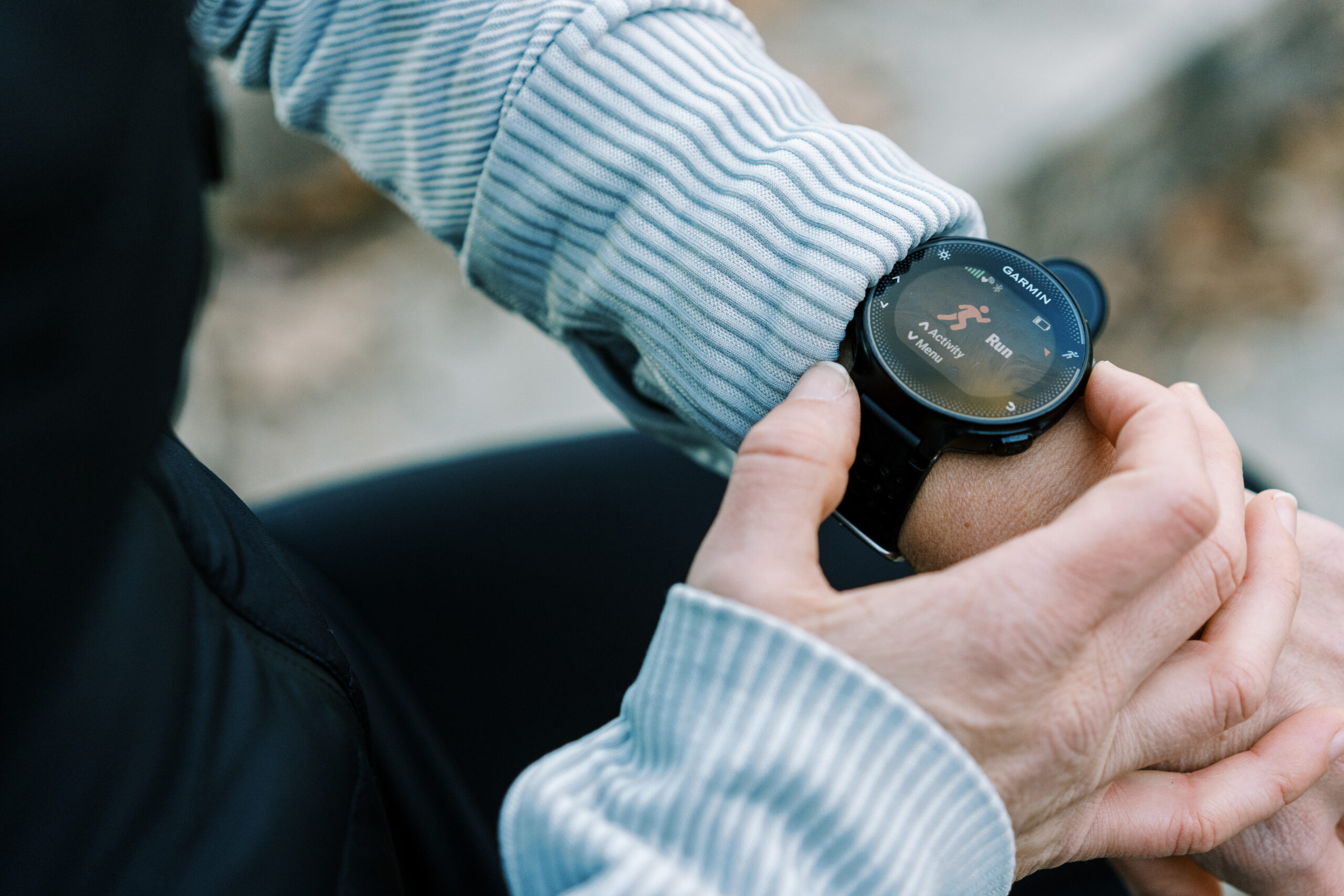
Garmin’s physical buttons are a quiet advantage on race day. Sweaty fingers, gloves, rain, mid-stride lap presses, it all gets easier when you can control the watch without relying on a touchscreen.
Apple Watch: slick interface, mind the touch
Apple’s interface is smooth and readable. Touchscreen control can be great when conditions are perfect. In messy conditions, physical controls matter. The Ultra helps here with its additional hardware controls, but if you have ever tried to swipe precisely when you are oxygen-deprived at mile 23, you understand why runners love buttons.
Smartwatch life: everyday convenience
If your watch is also your daily driver, Apple is hard to beat. Notifications, calls, texting, app ecosystem, it is all seamless. For some runners, that convenience is the difference between wearing the watch every day versus only on runs.
Garmin has smart features too, and they keep improving. But the Garmin pitch is still: we are a training tool first, and then a smartwatch second.
Music on the run
- Apple Watch is excellent for phone-free music if you are already in the Apple ecosystem.
- Garmin models with music can do it well, but setup and app support can vary by model and region.
Which is best for marathon training?
Here is the honest answer I give to runners I coach and friends I text with on Saturday mornings when the long run alarm goes off.
Pick Garmin if you:
- Prioritize battery life and want to charge less.
- Want deep running metrics and training load insights without stacking apps.
- Prefer physical buttons for workouts and race day.
- Train in varied conditions, including trails, heat, rain, or winter gloves.
Pick Apple Watch if you:
- Want the best everyday smartwatch experience plus solid run tracking.
- Want native structured workouts and modern runner metrics without overthinking your setup.
- Care about music, calls, and connectivity as much as splits.
- Are considering the Apple Watch Ultra for better battery and durability.
My simple recommendation
If marathon training is the main mission, Garmin is usually the safer, more runner-first choice. If you want one device that does everything and you are willing to manage charging, Apple Watch can absolutely get you to the start line ready. And in 2026 terms, Apple’s native running features are legitimately strong. Garmin still tends to win on the holistic training story it tells across your whole block.
Marathon training is not about having the fanciest watch. It is about having the watch you trust when your legs are tired, your head is loud, and you still have eight miles to go.
Quick pre-buy checklist
- How long is your longest run? Make sure GPS battery covers it with a cushion.
- Do you need structured workouts? If yes, check how each model handles intervals and alerts.
- Do you run in rough GPS areas? Consider models with stronger satellite performance.
- Are you a button person? Especially important for racing and bad weather.
- Will you wear it daily? Comfort and smartwatch features matter if it is on your wrist 24/7.
If you tell me your goal time, weekly mileage, and whether you are training mostly roads or trails, I can point you toward the models in each lineup that make the most sense for your block.