
There is a specific kind of fatigue that comes from trying to keep up with sports today: nonstop notifications, hot takes that expire fast, and the same “breaking” story reposted twelve different ways. If you only care about your teams, your fantasy roster, and the real news that changes a season, you deserve a feed that works like a good coach: clear, direct, and focused.
Below are five ways to curate a custom sports news setup that cuts the noise and keeps the good stuff. Think of it like building a rotation. Every tool has a role, and once it is set, it frees your brain for the fun part: watching the games.
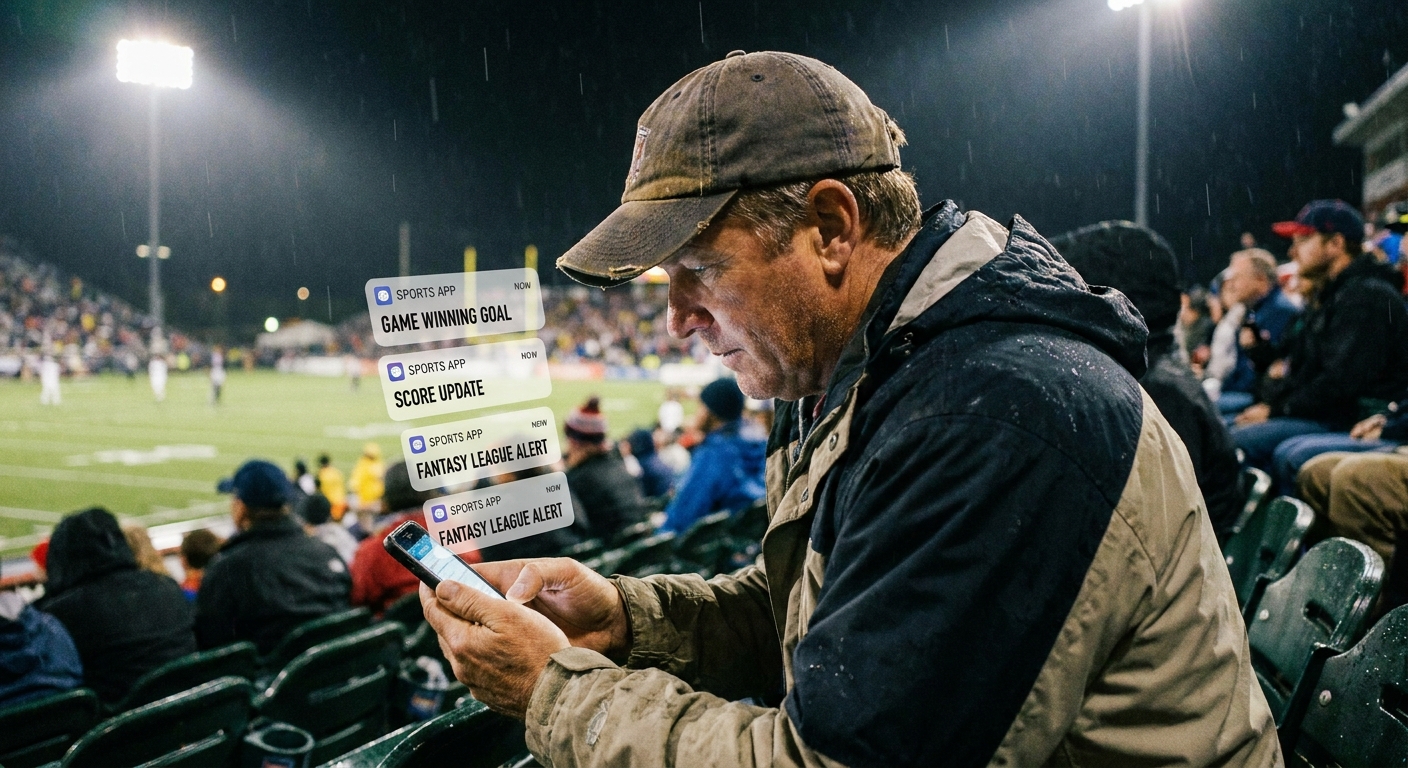
1) Build need-to-know alerts
Alerts are supposed to be your fast break, not a full-court press on your attention. The trick is to choose what deserves an alert and where those alerts come from.
What to alert on
- Injuries and availability: out, doubtful, minutes restrictions, scratches, lineup changes (like a late starting pitcher swap).
- Transactions: trades, waivers, call-ups, signings, suspensions.
- Schedule changes: postponed games, doubleheaders, kickoff time shifts.
- Score alerts: keep these minimal. Try “final score only,” or “close-game alerts late” (fourth quarter, late innings, or the final five minutes).
Quick note: tailor the language to your sport. The goal is “availability and usage,” not one league’s jargon.
Tools that actually help
- Team apps and league apps (NBA, NFL, MLB, NHL, WNBA, and official team apps): keep only roster and status alerts on.
- College sports: use official team apps when available, plus conference apps and major score apps that reliably cover your teams.
- ESPN / Yahoo Sports / The Athletic : useful if you dial the settings down to specific teams and topics.
- Google Alerts: great for niche interests like “two-way contract” or “ACL surgery timeline,” but it is not real-time. It works best for slower-moving news.
My two-notification rule
For each sport, I keep no more than two push sources on. One can be a league app, the other can be your favorite news breaker. Anything beyond that becomes duplication, and duplication is how you end up checking your phone during a timeout like it is a life decision.
One more practical move: set a Sports Focus or Do Not Disturb window during games. Even curated alerts can wait until the next commercial break.
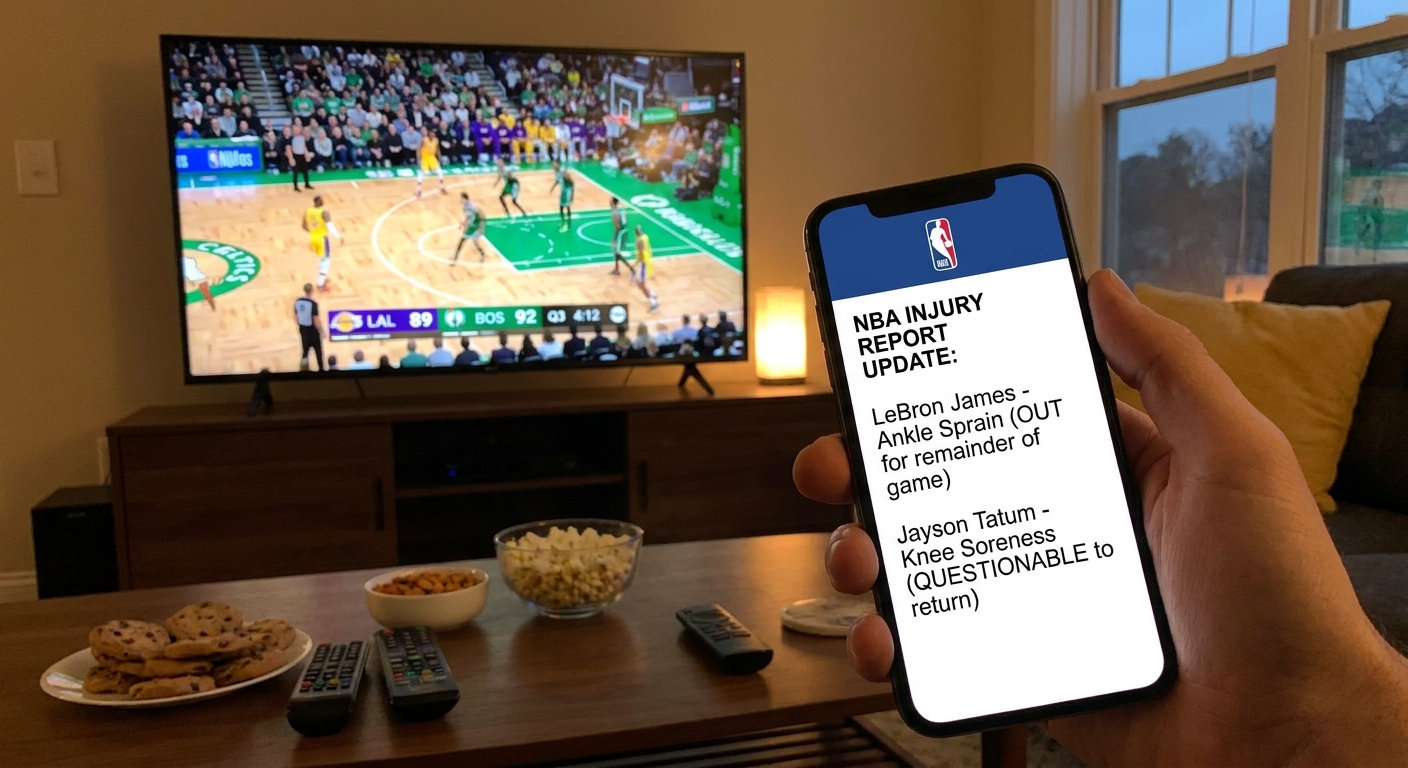
2) Let newsletters do the work
Newsletters are the veteran point guard of your information diet. They slow the game down, organize the chaos, and deliver the ball to the right spots. The key is subscribing to a small, intentional set that matches how you actually follow sports.
Newsletter roles
- The Daily Rundown: top stories you would regret missing.
- The Deep Dive: film, tactics, and thoughtful analysis that explains the why.
- The Local Hook: beat-level coverage for your hometown teams.
- The Fantasy Edge: injury implications and usage trends , not just hype.
Recommended approach
Pick one daily newsletter and one weekly newsletter. If you add a third, make it seasonal, like only during the NFL playoffs or March Madness.
If your inbox is already a war zone, route sports newsletters into a dedicated folder or label called “Sports Desk” and read them like you would a morning paper: once, intentionally, then move on.
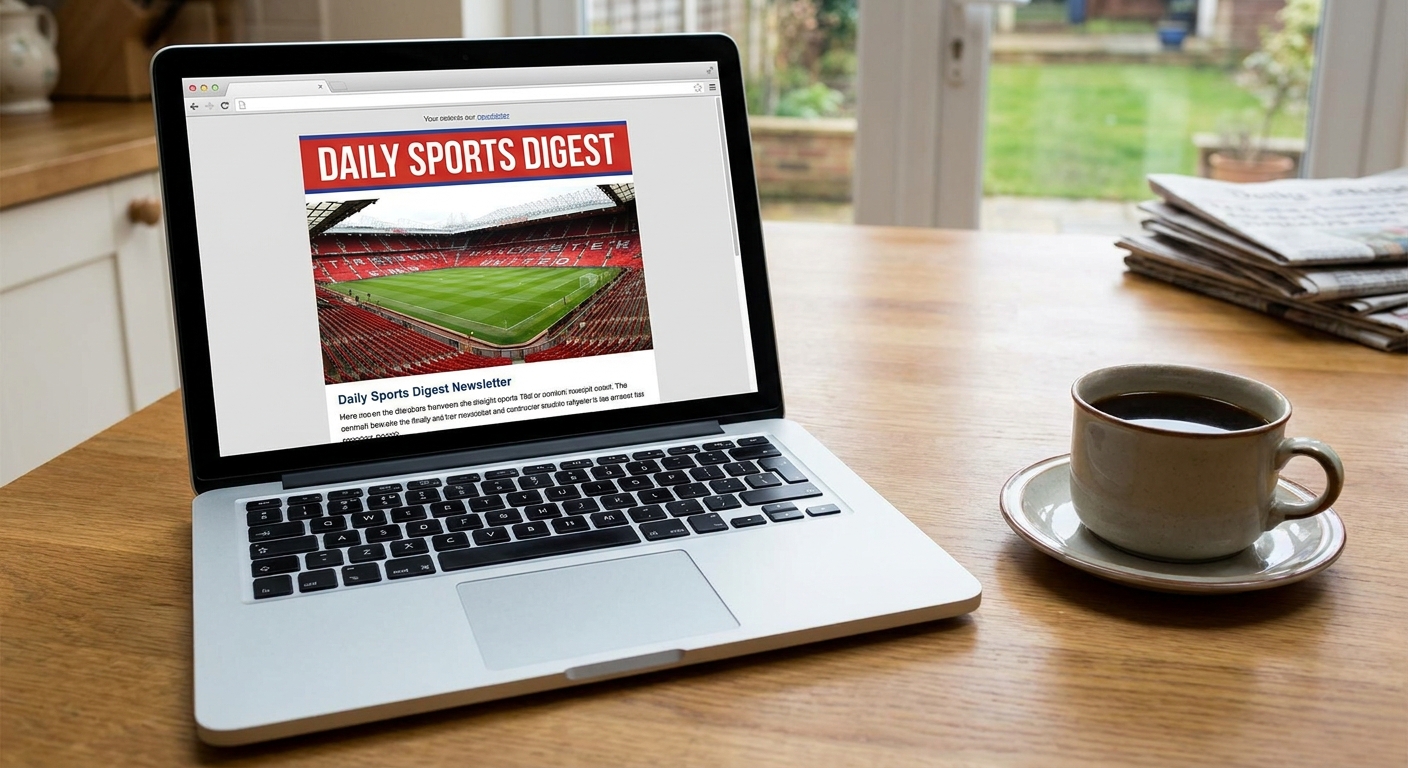
3) Use RSS for beat writers
This is the one that feels old-school, but it is still undefeated for control. RSS lets you follow specific writers and outlets without letting an algorithm decide what you see. If you are the type who cares more about a beat reporter’s injury notes than a thousand quote-tweets, RSS is your friend.
What to add
- Your team’s beat writers at local papers and major outlets.
- League transaction pages and official news hubs.
- Analytics and tactics sites that fit your sport.
- Podcast episode feeds (and transcript pages when available) if you like scanning before listening.
Tools to try
- Feedly: easy setup, great organization.
- Inoreader: powerful filters if you want to get fancy.
- NewsBlur: solid option if you like training your feed preferences.
Simple structure
- Folder 1: Must Read (only a handful of sources).
- Folder 2: My Teams.
- Folder 3: League Wide.
- Folder 4: Draft, prospects, and development.
RSS shines because you can check it on your schedule. No vibration. No bait. Just the feed.
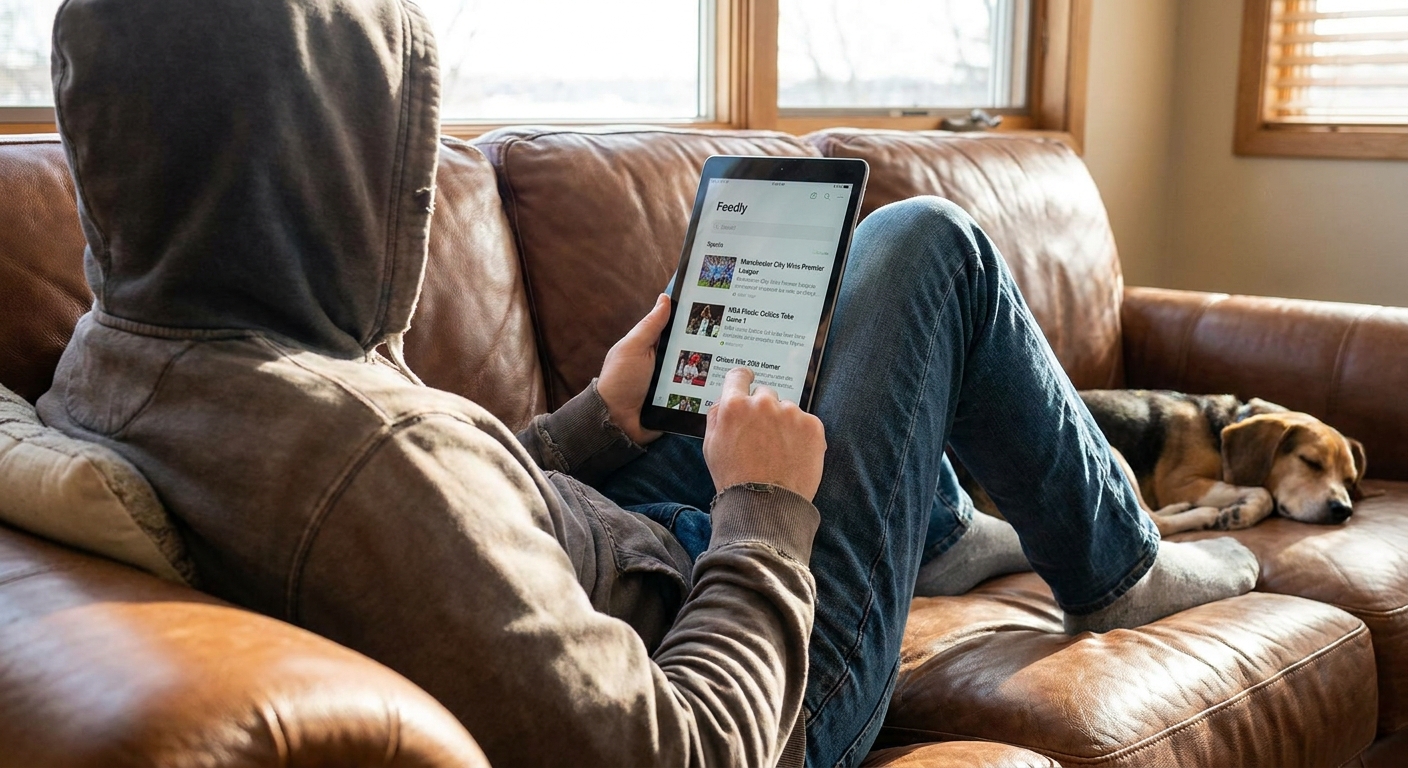
4) Clean up social with lists
Social is where highlights live and where news breaks fast. It is also where your attention can get chewed up if you are not careful. The move is to stop using the main timeline as your front door.
How to rebuild your feed
- Create Lists: “Beat Writers,” “League Insiders,” “Analytics,” “Fantasy News,” “Local Hoops.”
- Mute keywords: skip the recurring discourse traps that you know you do not enjoy.
- Mute accounts temporarily: even good follows can be too much during peak rumor season.
- Turn off repost-heavy notifications: you want original reporting, not echo chambers.
Platform notes
- X: Lists and keyword mutes are the whole game here.
- Instagram: use Favorites (and selective Story notifications) for teams and reporters you actually want to hear from.
- Reddit: curated multireddits or custom feeds can be excellent if you pick communities with strong moderation.
- YouTube: subscribe to a few film breakdown channels, then turn off Autoplay when you want focus and avoid the Home or Shorts rabbit hole.
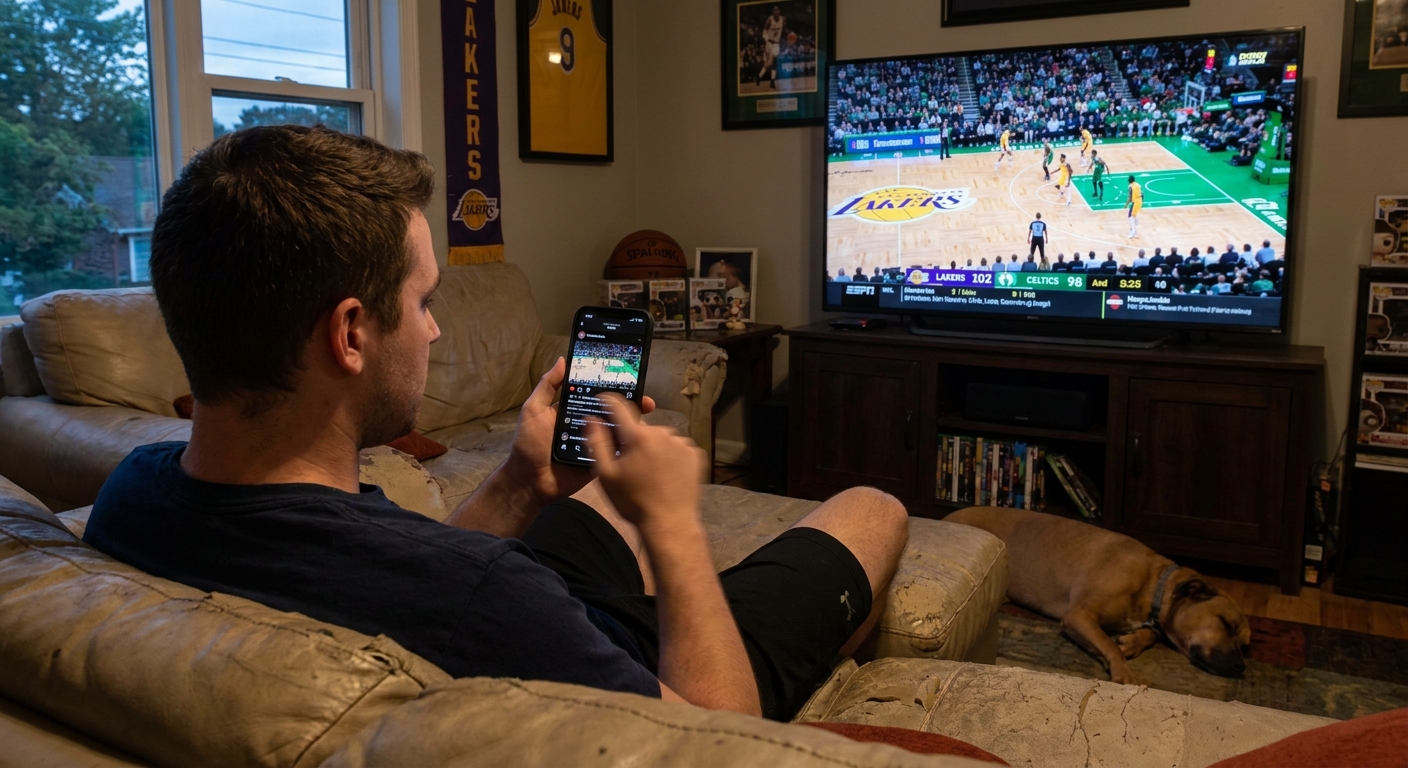
One underrated trick: make a “Breaking” list that includes only a dozen accounts you trust. If a story matters, it will hit that list quickly. If it does not, you just saved yourself twenty minutes of scrolling.
5) Do a weekly reset
Even the best setup drifts. New accounts sneak in, apps update settings, and suddenly you are back to getting pinged because someone hit a half-court shot in warmups. A 10-minute weekly reset keeps your system sharp.
Your 10-minute Sunday routine
- Check alert settings: remove anything you have ignored three times in a row.
- Unsubscribe ruthlessly: if a newsletter has not made you smarter or happier in a month, it is gone.
- Update your RSS “Must Read” folder: add one source, remove one source.
- Refresh your social lists: swap in the reporter who is actually breaking news for your team this season.
- Create one intentional watchlist: upcoming rivalry game, a prospect debut, a trade deadline tracker.
- Set your low-friction scoreboard: use a scores widget or lock-screen Live Activity so you can check the game without opening three different apps .
If your sports feed makes you feel behind all the time, it is not a feed. It is a treadmill. Build something that lets you step off and still feel connected.
Sports are better when you can actually enjoy them. Curating your feed is not about being less plugged in. It is about being plugged into the right things: the stories that matter, the moments that swing seasons, and the people whose work you trust.
And if you are like me, it also means you might finally watch the fourth quarter without checking your phone every other possession. Might.
Quick setup checklist
- Alerts: 2 sources per sport, only injuries and transactions.
- Newsletters: 1 daily plus 1 weekly.
- RSS: beat writer bundle plus a “Must Read” folder.
- Social: lists first, main feed last.
- Weekly reset: 10 minutes every Sunday.